For starters
Start
A first site, landing page or portfolio
- 1 GB Disk Space
- 1 domain
- 3 sites
- 3 mailboxes
- Free Let's Encrypt SSL certificates
Hosting, domains and support for websites
We host your website, connect a domain and SSL, set up email, and migrate your site for free.
30 days free · free site migration · 24/7 support
Siteko services
Hosting, domains, SSL, email and VDS in one customer account. We take care of migration and development.
From 150 ₽ a month. SSL, email and backups included.
.ru and .рф — 219 ₽
We move it for you — free
We move old websites to Laravel and keep products and page URLs.
Answers visitors from your website and catalog. 14 days free.
From 318 ₽ a month
Hosting plans
No card needed: nothing is charged when you order or after the trial. You can switch plans at any time.
In every plan
Domains
We check the name and suggest free options. Domain, DNS and SSL live in the same account as your hosting.
Popular zones
A .ru or .рф domain can be free with a yearly hosting plan
Site migration
You send the access details, we do the move. The old site stays online until the domain is switched.
Old hosting
your-site.ru
You send access
In a support request: hosting or panel
We move it
Files, database and email
files database emailWe check it on a technical domain
The old site stays online all along
The domain points to Siteko
SSL is issued automatically
Siteko
your-site.ru
running
Development
We dig into an old CMS or a custom engine, move products and page URLs, and build a convenient admin panel. You can start without a spec — just show us the current site.
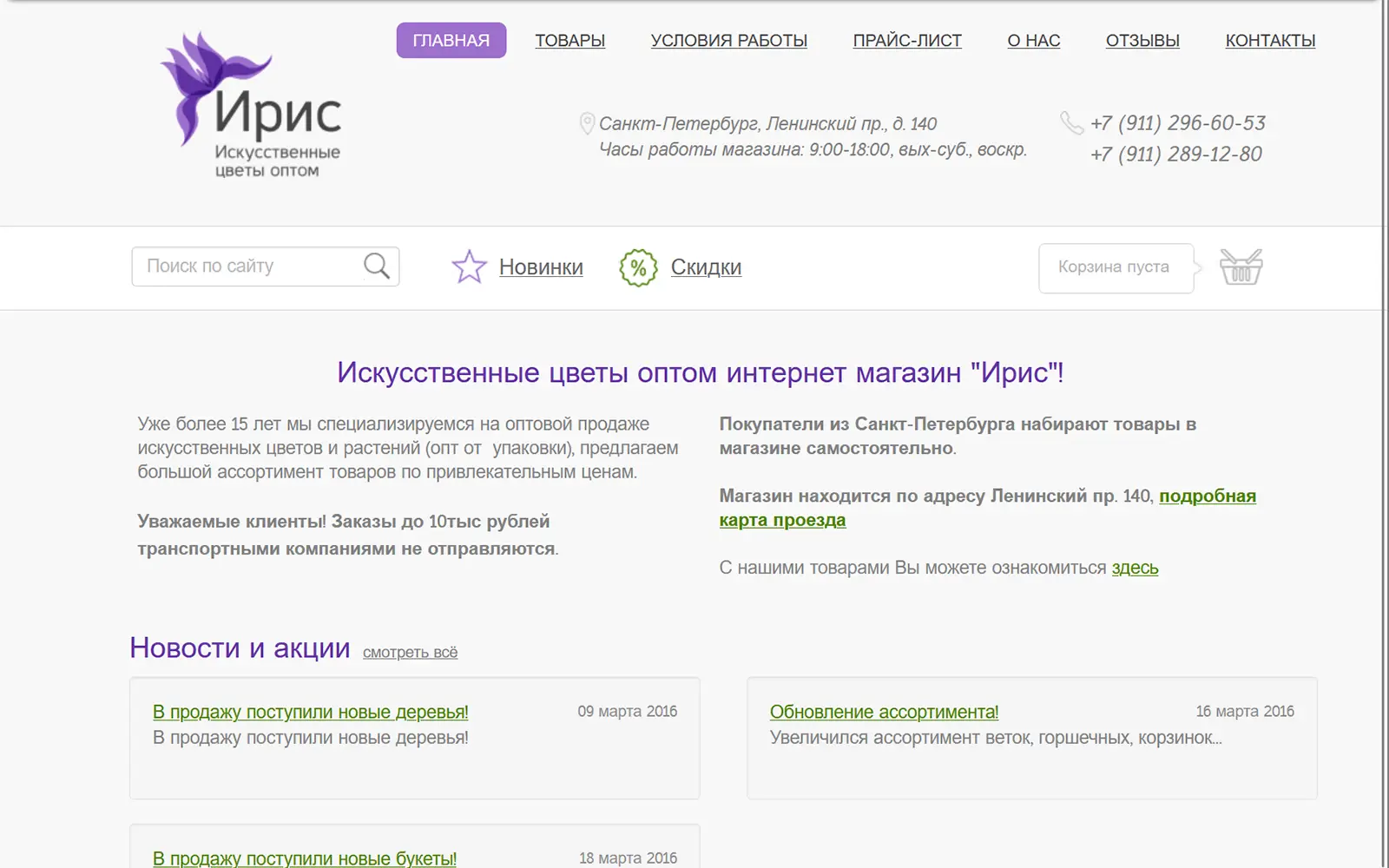
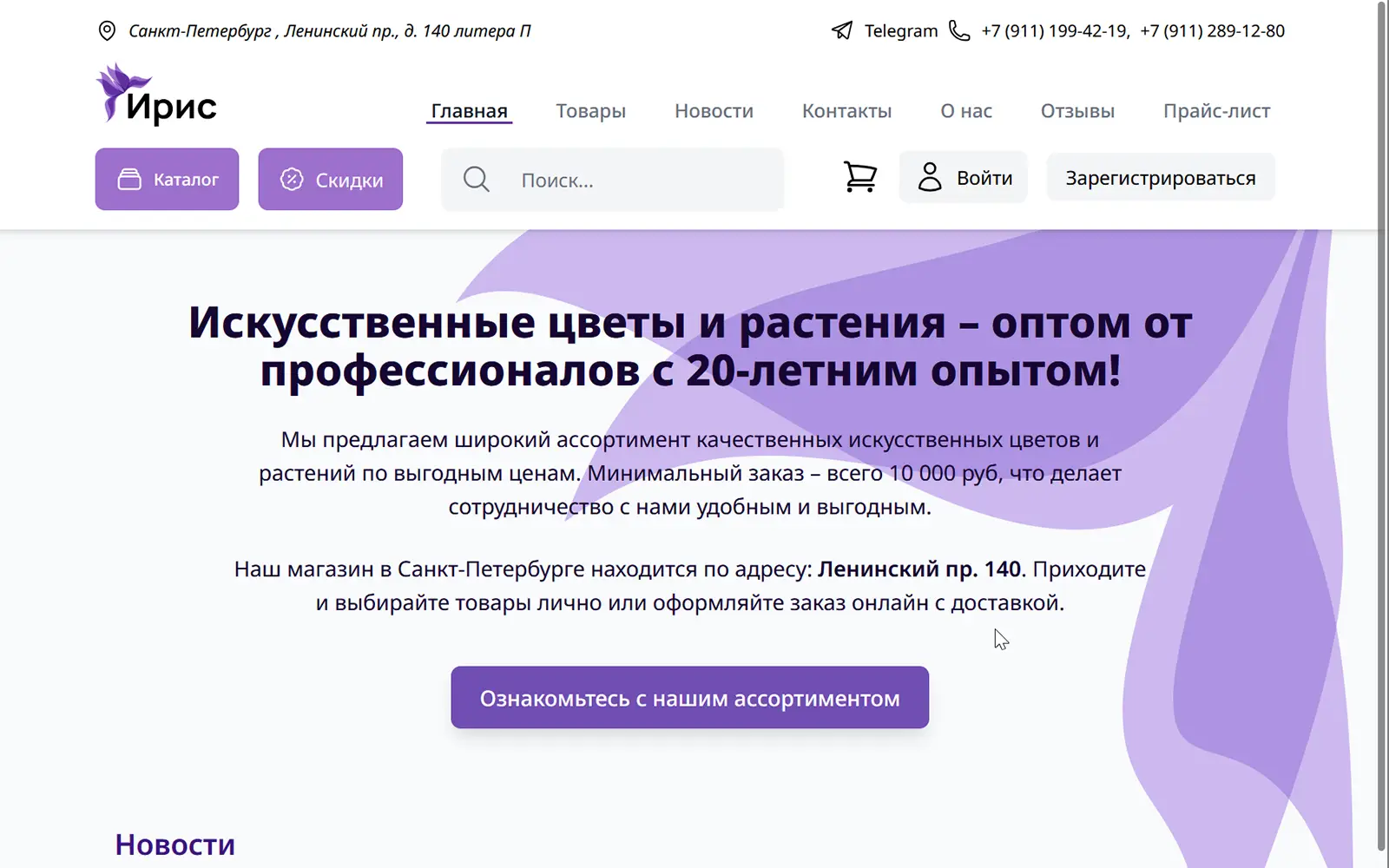
B2B online store for artificial flowers
Support
24/7 support in your customer account. The knowledge base has step-by-step guides on domains, hosting, email and payments.
Request · Connecting a domain
onlineI bought a domain from another registrar. How do I connect it to my hosting?
Siteko support
Add the site in your hosting card and set the name servers ns1.siteko.net and ns2.siteko.net at your registrar.
SSL is issued automatically.
Step by step — in the guide.
Knowledge base · Hosting
Step 1. Add a site for the domain
In the hosting card, click “Add site” and enter the domain.
Step 2. Point the domain to the hosting
Set these name servers at your registrar:
Step 3. Wait for DNS to update
Usually an hour or two, at most a day.
For companies
Public offer or a separate contract, payment by invoice and closing documents via EDI.
Questions and answers
Nothing is charged — no card is needed. To continue, pay for a plan: your site, files and email stay in place. Without payment the hosting is suspended and deleted 7 days later.
More about the trialYes, in one order: put the domain and the hosting in the same cart. With hosting ordered for a year, .ru or .рф domains come free — how many depends on the plan.
It is free for hosting customers. Send the old hosting credentials to support and we move the files, databases and email ourselves. You can also do it yourself with the guide.
How the migration worksYes, in the hosting card — without recreating the hosting or losing data. An upgrade is instant, with a top-up for the rest of the paid term; to move to a smaller plan, contact support.
Choosing and changing a planWe send acts or UPD via EDI: operator NTC STEK, participant ID 2BA454244, roaming with other operators works. The invoice with bank details downloads as a PDF in your account, and the receipt arrives by email.
Invoices, receipts and closing documentsYes: we build websites and online stores on Laravel, and improve and move old ones. You can start without a spec — just show us the current site.
Website developmentDidn’t find an answer? Contact support
30 days of free hosting, free site migration, 24/7 support.